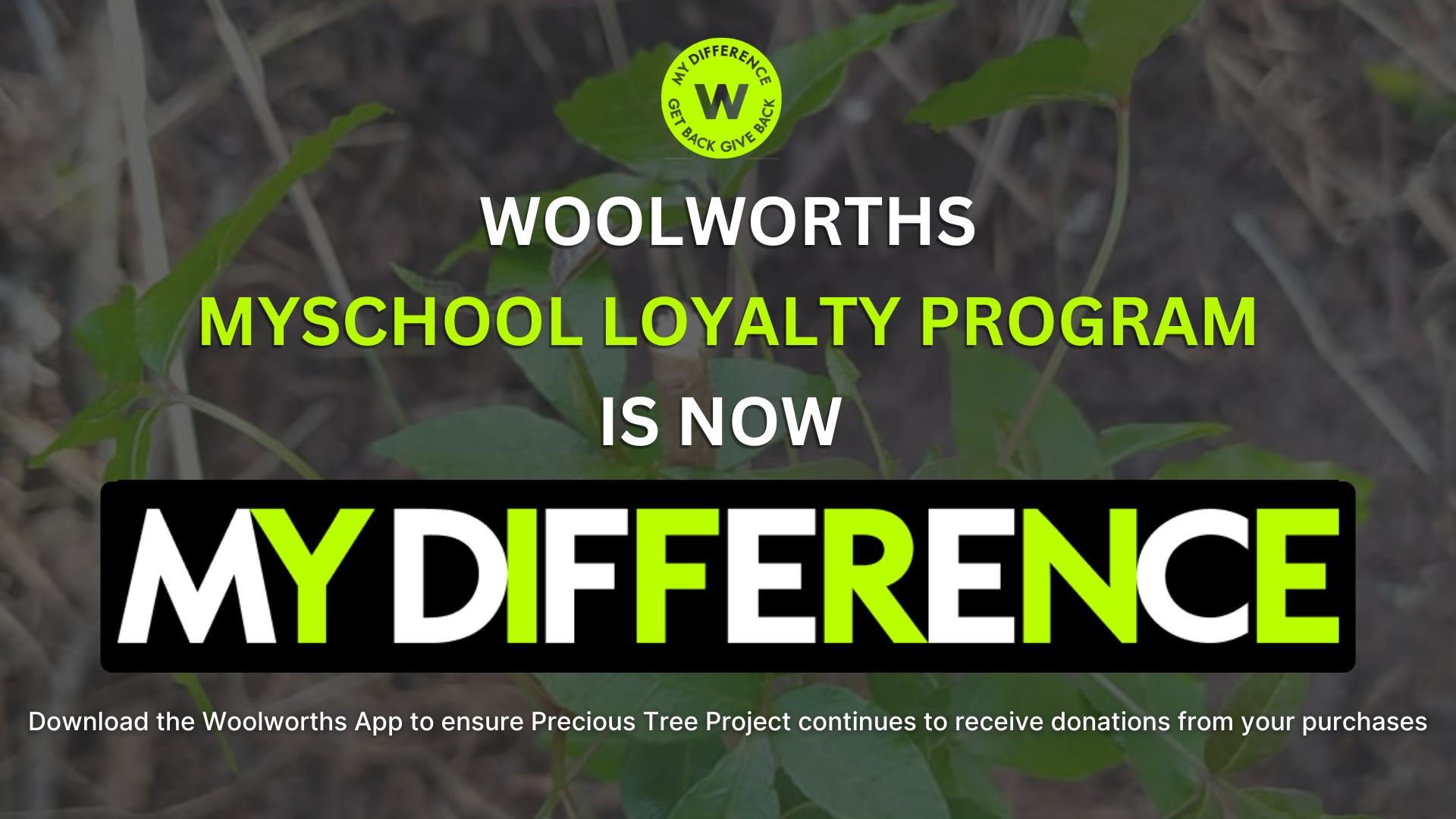
Woolworths has merged its loyalty programs — MySchool and WRewards — into a single, powerful platform called MyDifference.
It lives within the Woolworths App, replacing the need for a physical MySchool card at checkout. This new, integrated system is designed to provide greater value, convenience, and tailored rewards to Woolworths shoppers, while still allowing you to support the Precious Tree Project and other causes you care about.
How does it work now?
The core of the program remains the same: every time you shop and swipe your card, a percentage of your spend is automatically donated to your chosen beneficiary (that’s us!) at no cost to you. The key changes are in how you access and manage your rewards and contributions.
What you need to do:
1. Download the Woolworths App: If you don’t already have it, get the app on your smartphone. Download the App via the Google Play Store or Apple App Store.
2. Register/Log in: Open the app and log in to your account.
3. Go to the MyDifference section
4. Activate your virtual MyDifference card:
– Navigate to the Loyalty Hub
– Scroll down to “Causes”
– Select “Choose my own”
– Search for and select Precious Tree Project (Environment, Western Cape)
5. Use your virtual card when shopping: Present the virtual card at the till to ensure PTP continues to receive donations from your purchases.
6. Enjoy more rewards. In addition to supporting us, MyDifference offers a tiered rewards system (Loyal, Ambassador, and VIP) with instant savings, exclusive vouchers, and other benefits that increase with your level of spend.
For more information, visit the Woolworths website or contact their customer service team.
We are so grateful for your ongoing support. Thank you for being a part of our community and for helping us create a greener future, one swipe at a time!